FlyDroneMap — Live Drone Weather & Kp Index
Search any location for live wind, gusts, visibility, the latest Kp index, and (US) FAA altitude ceilings — everything you need to plan a safer drone flight.

How to Use FlyDroneMap
- 1.Search for a city, airport, or landmark, or tap "Use my location" to check conditions right where you are. The airspace information and the regulation link you see depend on the country of the selected location.
- 2.Review live wind speed, wind gusts, visibility, and temperature, plus the wind at 10 m, 80 m, and 120 m above ground. Gusts matter more than the average wind speed, and wind is often stronger at higher altitude. The banner at the top combines the gust and the Kp index into one general reading: gusts under 5.6 m/s are good, 5.6 m/s up to 9.7 m/s call for caution, and 9.7 m/s or more is not recommended.
- 3.Check the planetary Kp index to see whether geomagnetic activity might affect your GPS lock or compass heading. A Kp below 4 is quiet, 4 up to 5 is unsettled, and 5 or higher is storm level, where GPS accuracy and compass reliability can drop.
- 4.Use the airspace card and the airspace layers on the map to see the restricted areas of the selected country, and confirm the latest rules with the official authority through the regulation button. In the US, see the FAA UAS Facility Map altitude ceiling for the area — then confirm authorization through LAANC or FAADroneZone before you fly.
- 5.Use the 24-Hour Flight Conditions forecast to find the best time window. Each hour is rated good, caution, or not recommended from the forecast gusts, precipitation (caution from 0.1 mm per hour, not recommended from 0.5 mm), and visibility (caution under 5 km, not recommended under 1 km). The summary above the cards shows the longest good stretch, in the local time of the selected location. The current reading and the forecast for the current hour may not match exactly, so small differences can appear. This rating does not include the Kp index, airspace rules, or night-flying regulations, so check those separately.
- 6.In "Wind Check for Your Drone", pick your drone model to compare the current gust with the manufacturer's official maximum wind speed. Below 50% of that figure is good, 50% or more calls for caution, and 70% or more is not recommended. Your choice is also applied to the 24-hour forecast and is stored only in this browser.
- 7.Treat every rating as a reference only. Aircraft condition, battery, payload, local rules, and night-flying requirements are not included, so the final decision and responsibility remain with the pilot. The guides on this site explain the thresholds and background in more detail.
Explore the Guides
Practical guides on flight safety, weather judgment, and drone regulations.
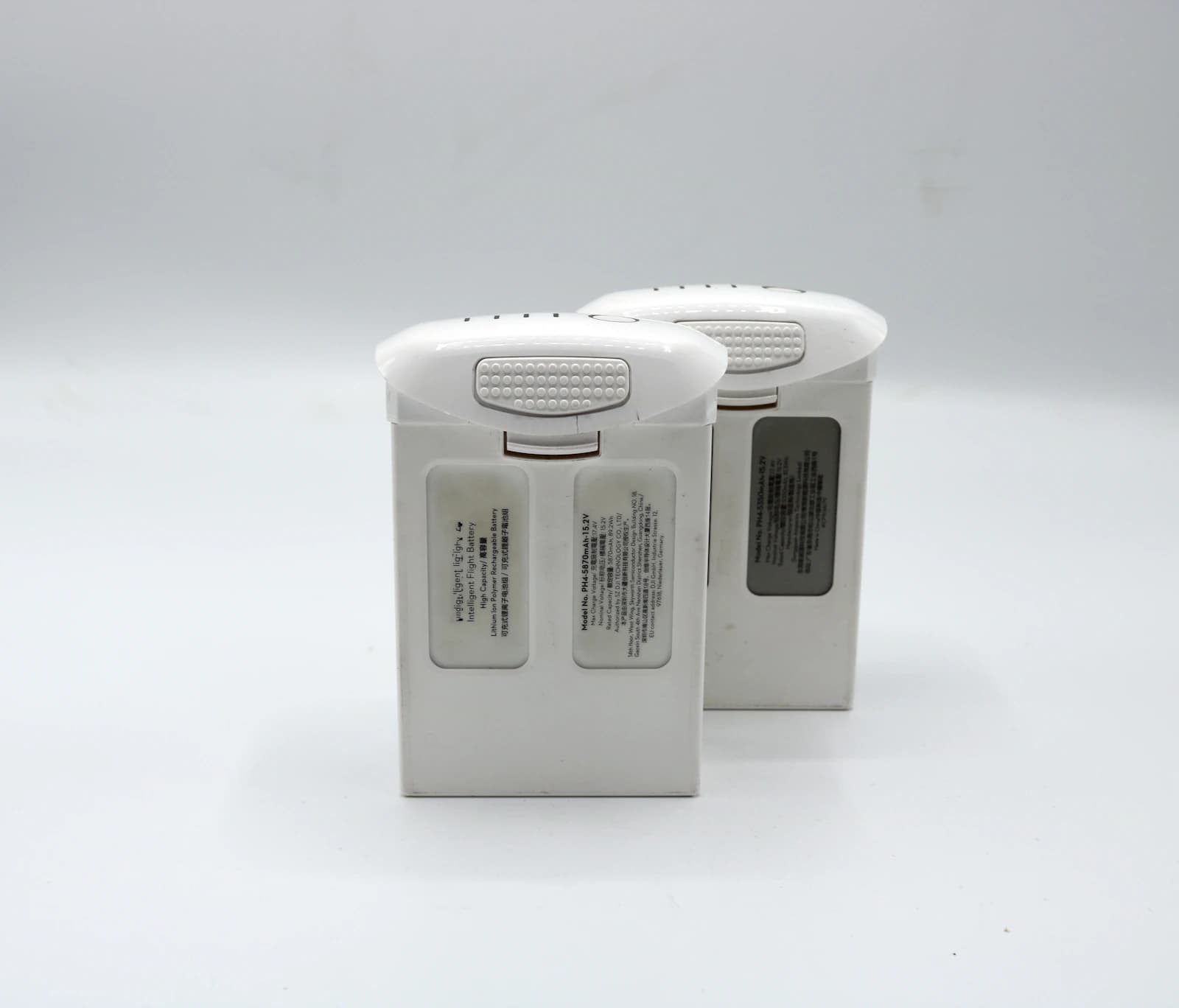
Drone Battery Care: Tips to Extend Battery Lifespan
Practical LiPo battery care habits that extend usable life: storage charge, temperature, not draining to zero, cooling before charging, and regular inspection.
6 min read
What Is LAANC and Why It Matters for Drone Pilots
How the FAA's automated LAANC airspace authorization system works, when a request is not automatic, and why it matters for drone pilots.
5 min readDJI Mavic 4 Pro Wind Resistance: Official vs Real
DJI lists 12 m/s (43.2 km/h) as the Mavic 4 Pro's maximum wind speed resistance. See the official specs and how FlyDroneMap judges real wind.
5 min readDJI Mini 3 Error Messages and Warnings: What They Mean and What to Do
The warnings DJI documents for the Mini 3 in its manual and safety guidelines: status light patterns, battery LED codes, flight prompts, with meaning and action.
8 min read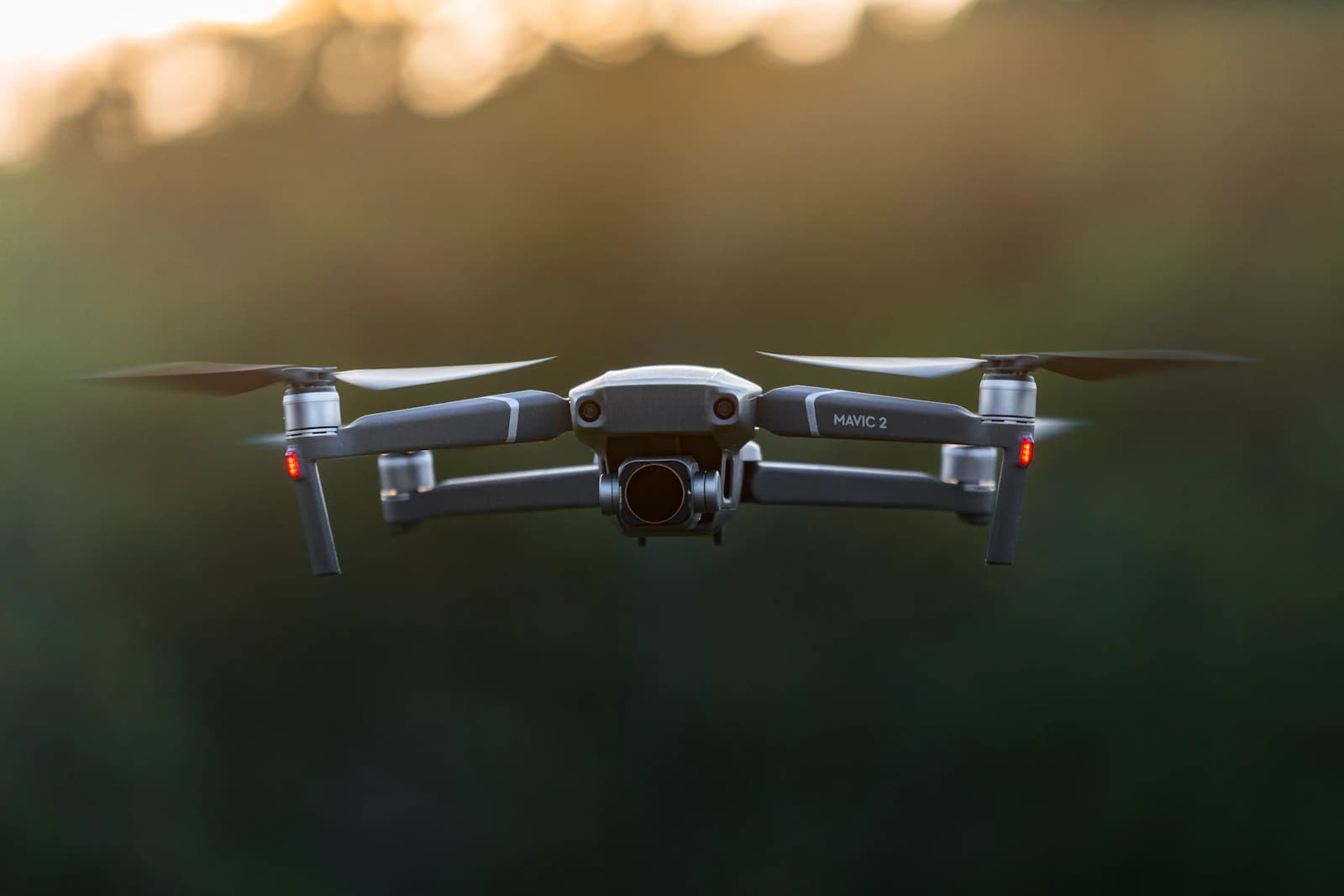
Dew Point and Drone Lens Fogging
Why humidity percentage alone can't predict lens or gimbal fogging, and how checking the temperature-dew point spread lets you actually anticipate it.
7 min read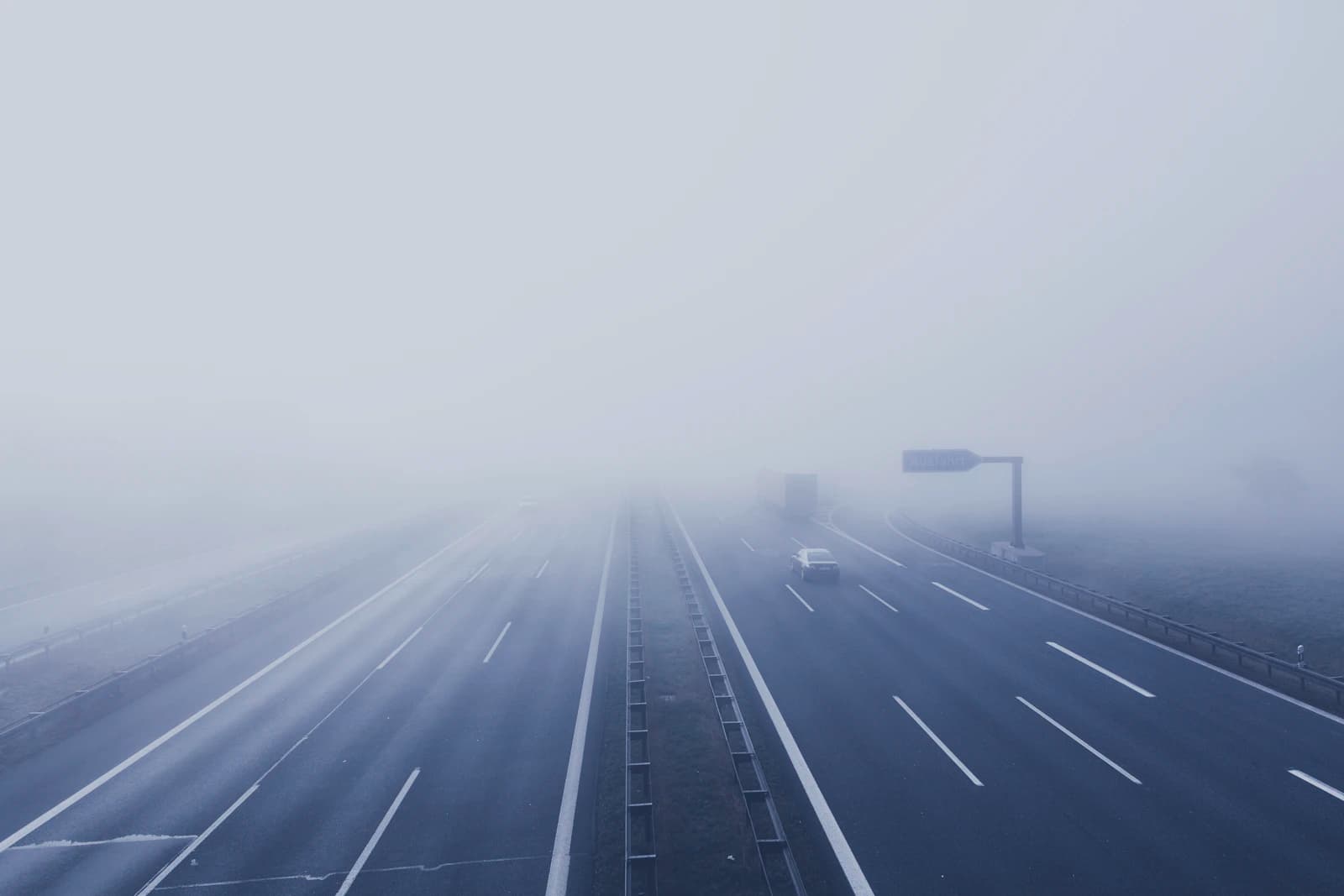
4 Hidden Dangers of Flying a Drone in Fog
Is it ever safe to fly a drone in fog? Here are 4 fog-related risks pilots often miss, and how to judge visibility before you launch.
6 min readFrequently Asked Questions
Quick answers about our data sources, the Kp index, and how to use FlyDroneMap.
Do I need to create an account?+
No. FlyDroneMap works without sign-up — just search a location and check the conditions.
Where does the weather data come from?+
Wind speed, gusts, visibility, and temperature come from Open-Meteo's public weather API, updated frequently throughout the day.
Is FlyDroneMap a substitute for FAA flight authorization?+
No. The airspace ceiling shown here comes from the FAA's public UAS Facility Map data and is for planning reference only. You must still obtain authorization through LAANC or FAADroneZone where required before flying.
Does FlyDroneMap work outside the United States?+
Wind, visibility, and Kp index data work worldwide. The FAA airspace ceiling feature is US-specific, since it's sourced from FAA data — outside the US it will show no data for that card.
Related tool
Planning a long-exposure shot after your flight? Calculate the right ND filter exposure time for your aperture and ISO.
ND filter exposure calculatorGear Recommendations
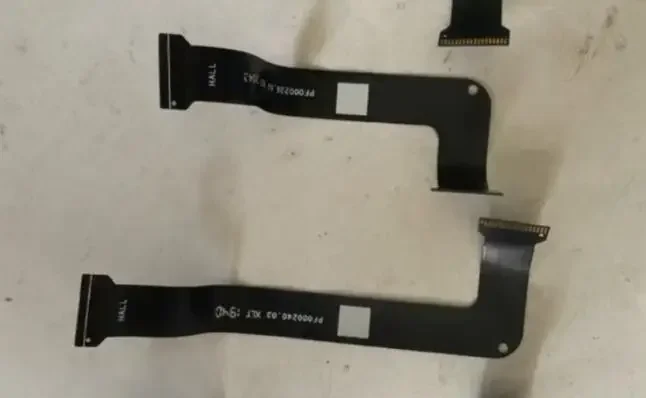
Remote control With screen joystick gimbal board flexible cable suit for dji t20 T30 Mavic2 mavic 2 RC Drone repair
USD 16.8
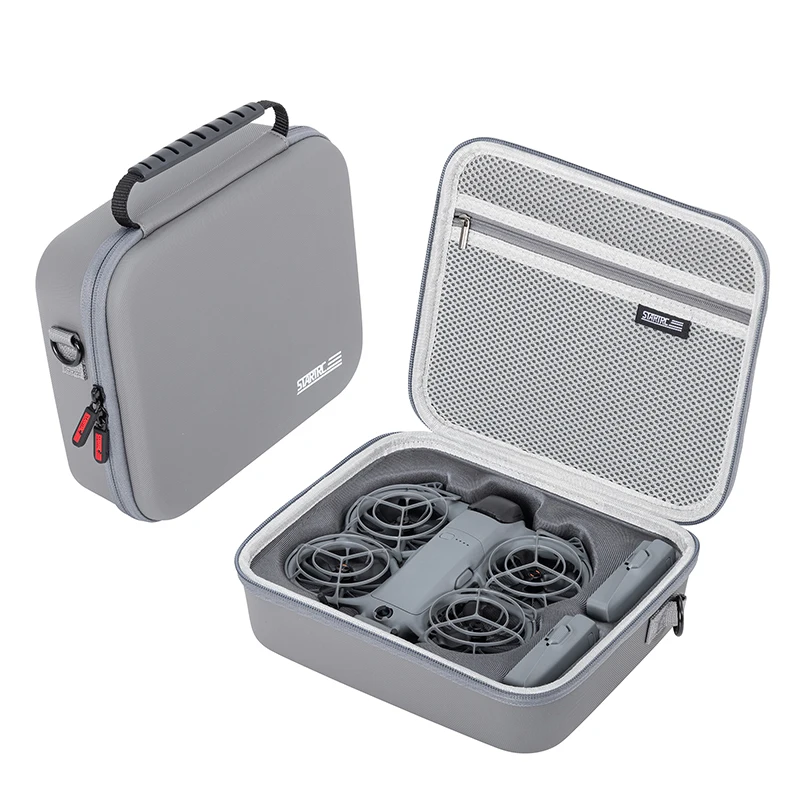
STARTRC Neo 2 Portable PU Shoulder Bag Handbag for DJI Neo 2 Drone and Battery Accessories Carrying Shockproof Case
USD 25.72
As an affiliate, we may earn a commission from qualifying purchases made through these links, at no extra cost to you.